The nostalgia of physical disposable cameras on wedding tables is undeniable. The plastic feel, the physical scroll of the film roll, the flash charging up — it brings back the late 90s and early 2000s in the best way. However, modern couples who try this are often met with major logistical headaches: astronomical developing fees, poor photo quality, flashes that weren't used (leading to pitch-black photos), and half of the cameras going missing entirely.
Thankfully, digital disposable cameras have arrived to solve this. Using a customized QR code, you can give every single guest a vintage disposable camera on their phone. Guests scan the code, snap photos through their browser, and filters are applied automatically. Best of all, photos are locked until a 'reveal time' you set, creating the same anticipation as waiting for film to develop.
Step 1: Set Up Your Event on Grain
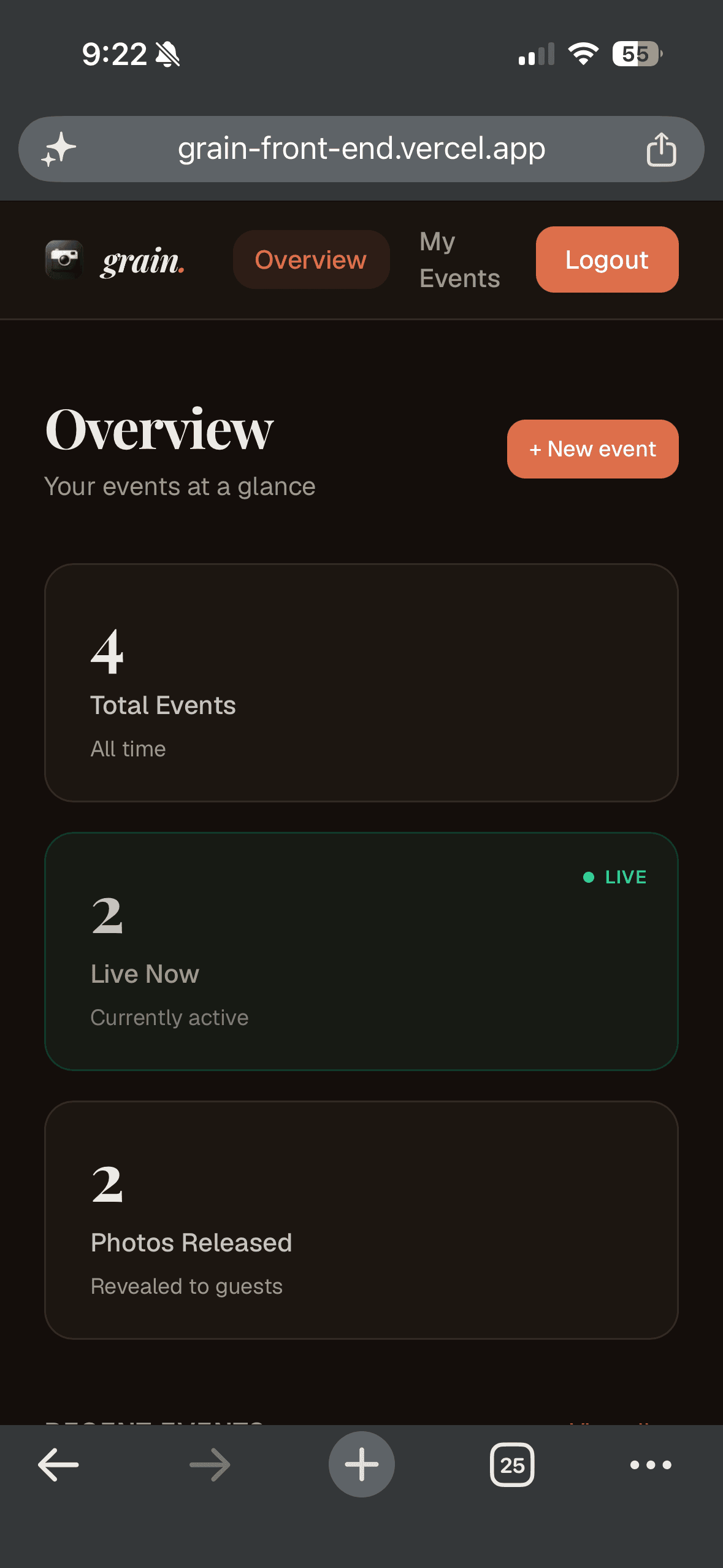
Setting up a digital disposable camera is quick and simple. First, create your wedding host account on Grain. Enter your wedding details, customize the name of your shared film roll (e.g., 'The Sterling Wedding'), and set a guest limit. This is the baseline structure where all photos will be gathered.
Step 2: Choose Your Film Filter Aesthetic
The main charm of disposable cameras is the warm, retro aesthetic. On Grain, you can select from different classic filters. The Classic Analog filter adds warm skin tones and fine grain, perfect for sunny outdoor ceremonies. The Polaroid filter has that faded, high-contrast look that is great for evening dances. Choose the look that fits your wedding vibe.
Step 3: Define the Reveal Time
The best part of disposable cameras is the anticipation. In Grain, you choose when the 'shared roll' is developed. You can set it to reveal at midnight on the wedding night, or the morning after during brunch. Until that exact moment, the gallery stays locked. Guests see a live countdown, adding a sense of mystery and excitement.
Step 4: Design and Print Your QR Table Cards
Once your event is ready, Grain generates a unique QR code and invitation link. To make sure guests participate, print table cards with clear instructions. Place these in small frames at each table, at the bar, and near the guestbook.
Why Guests Love It
- Zero App Downloads: Guests simply point their camera, scan the QR code, and are instantly ready to shoot in their default browser.
- Automatic Tagging: Every photo is tagged with the guest's name, so you know exactly who took each candid shot.
- High-Res Downloads: At reveal time, you can download all the photos as a single high-quality ZIP file to keep forever.
- Inclusive & Collaborative: Everyone gets to see the whole night through everyone else's lens, making it a shared experience.
A digital disposable camera gives you the best of both worlds: the vintage aesthetic and anticipation of analog film, with the cost-effectiveness and high quality of modern digital cameras. Start your event on Grain today and make your wedding memories timeless.